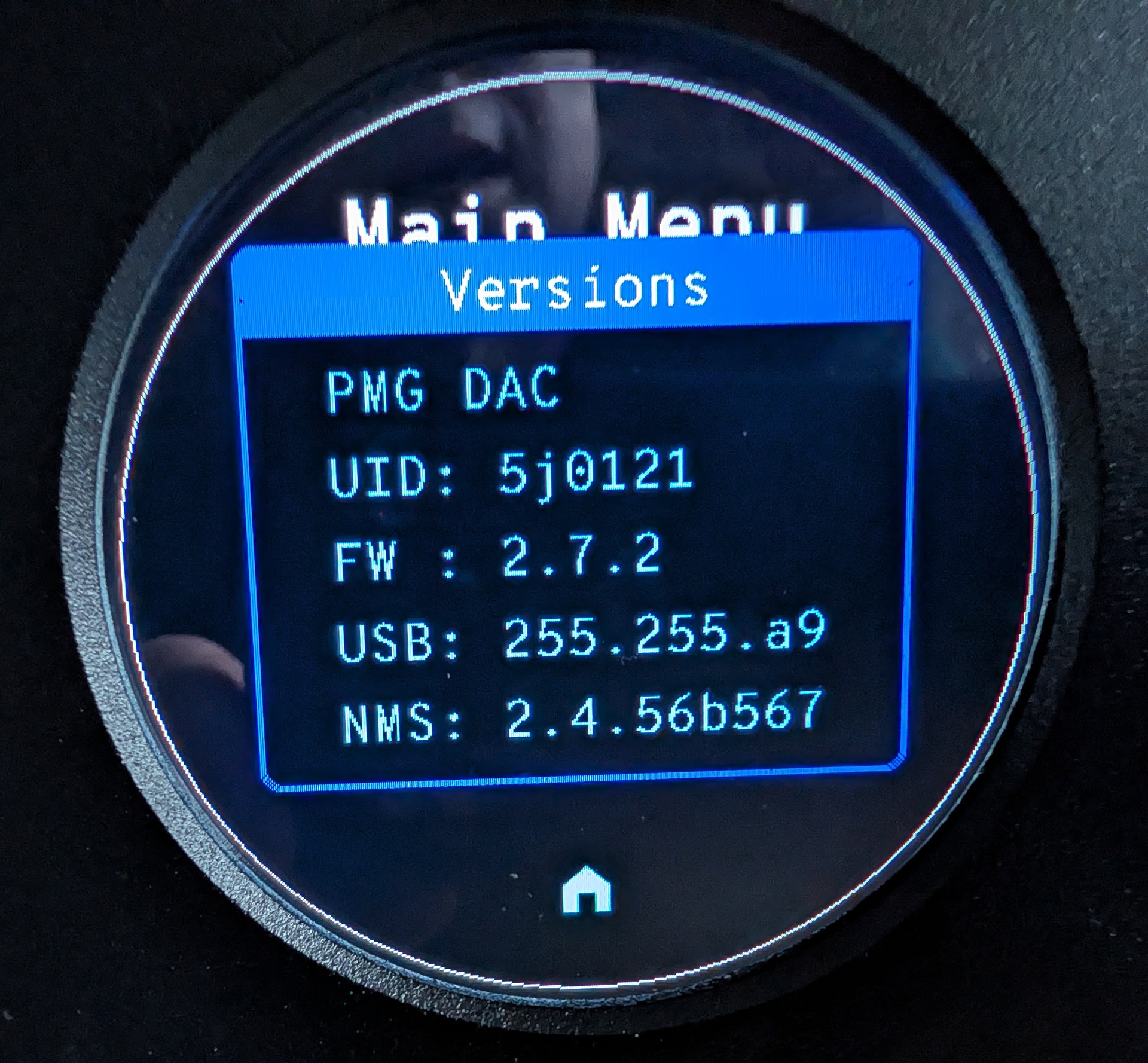
Hey guys. There’s new firmware just posted for the PMG 512 DAC that fixes many of the remaining issues some users might be experiencing. Downloads – PS Audio
You can download it here or on the downloads page.
Remember to unzip and pull the correct file out. You can ask our little AI assistant for help if you’re new to this (lower right hand corner of this page), or give us a shout.
You’ll need a USB stick and follow instructions. This updates the firmware of the 512 (as opposed to the OTA updates of the streamer). Check for those on the front panel touch screen.
@Paul since its a .bin there’s no need to unzip, correct. Just copy the pmg_dac_v2.7.2.bin file to the USB root as usual and use the same procedure used for updating the DSDMKII.
I added the added pmg_dac_v2.7.2.bin file to the root of an 8GB FAT32 USB drive. Turn off the DAC using the back panel switch. Plug in the USB drive into the FW socket on the back. Turn on the DAC using the back panel switch. The standby switch will flash green for some time, once the update is complete the unit starts. All done.
Yes, the software team is preparing release notes but Paul wanted to get this up on the forum ASAP. I know that this fixed the trigger functionality, some other reported issues.
I did the same except I inserted the USB drive first and then power recycled; earlier instructions said to do it this way but I doubt it matters.
No release notes so it’s not clear if there should be a sonic difference or if this was just a functionality update. I did not hear much difference except for the usual initial slight degradation in openness from new firmware followed by opening up again as it settles in.
I think the only sound quality related item is that we have been testing a “filter” setting (linear, circular etc.) that adjusts the way the current sources on the FIR filter are switched and averaged via the FPGA in the “SpectraWave 64-Tap Sequencer”. Linear is the default (and measures the best).
. bin files are binary(executable) and cannot be opened to read. Just copy the file to the root of the thumb drive and continue on. Same process without the unzip step.
TLDR: Yes! My problems fixed (see below) but haven’t experimented w/the filters.
My setup…streaming via Roon. I was having network disconnects and reported ticks in 2.5.4. Ticks from the first second, when I manually changed from one song to another, are gone. Have tested FLAC to FLAC, FLAC to DSF, DSF to DSF and DSF to FLAC.
Update background: Copied the bin file to the root folder of an old thumb drive, powered down PMG DAC, inserted in USB and powered on. Front power light rapidly blinked green and then it cycled on.
The various inputs (Optical, Streamer, XLR, etc.) kept spinning as if they hadn’t initialized. Network credentials remained, so I deleted them and then did a factory reset. Power cycled and then setup my network after reboot.
About 20 minutes in and all is good. Streamed Cheap Trick, Hello There, as my first song since I’m seeing them in concert tonight.
Thanks, @Paul, for the dedicated notification on this firmware. Will post if anything changes. Otherwise, my PMG Pre and DAC sound very sweet! Worthy of your PMG nomenclature!
Alas, I still have clicks on DSD when stopping, pausing or forwarding a track. Louder on i2S input than the streamer. I still have dropouts and sometimes it goes silent (only on the streamer with DSD). Does anyone else have anything like this?
It would be great if under Settings they added an item to Reboot the DAC so that we don’t need to go behind the DAC to power cycle whenever there is a problem or an update.
Chris mentioned the filter settings above. I haven’t tried them yet but was wondering if anyone has. There are three settings in the current firmware (2.7.2 I think), not sure about the previous firmware.
I imagine a hard power off is a good thing to do after a major update anyway. It seems folks who have had the best results have done a factory reset and hard power off after an update. Hope you can get those ticks sorted.