I am also in that club. I also do not keep ethernet connected in the DAC or the PST.
2 Likes
I hope,it can be switched off in the upcoming Airlens, too, in case that matters.
1 Like
You will need ether WiFi or Ethernet to stream. Hopefully they shielded that section from the business end.
1 Like
Sure. As the Airlens will be galvanically isolated, my only concern should be the radiation of the chip I guess, which doesn’t help as far as I understand. But as in my understanding, in DAC‘s as well as in streamers, the Wi-Fi chip is a receiver and no sender, there shouldn’t be other impact of it than chip frequency radiation. But I certainly have no clue.
??? I’m not understanding your comment. WiFi is a two way communication.
Then it made no sense.
I just guessed, what could be the problem of a Wi-Fi receiver chip in a streamer circuit, if the hole output of a streamer is galvanically isolated.
Turn it on
Upgrade
Turn it back off?
2 Likes
I can stick a USB drive in way faster then going through the UI and turn on WIFI. Update and then back off
3 Likes
Fair point
But I am sure you can understand why the feature is desired by and for many other customers, if not for us.
Once the FW is out that let’s me select what to turn on and off, I will be a happy one too.
3 Likes
After the firmware is sorted out, Ted stated that there will only be updates maybe once a year. I never had issues updating the MK1. The MK2 USB updating is even better and faster. To me WiFi updating is a feature I can live without. If it were a streamer I could understand it being included in the hardware. Remember how the noisy Bridge destroyed the sound of the DS.
1 Like
Thank you for this Ted. I know you worked hard to keep noise out of the new MK2. Some will benefit from the WiFi and some will want it off.
1 Like
I’ve seen in the menu where you can turn off the wifi. Does this turn off the ethernet also?
Yes, it turns off both ethernet and wifi.
2 Likes
So how would one use just Ethernet? Would plugging in the ethernet cable enable it?
Hi Paul, I know, wrong thread, but will this be possible for the Airlens, too in case it’s connected by LAN cable?
You are correct. It make it hard to follow what’s going on in this one. Please post in the Airlens topic.
here:
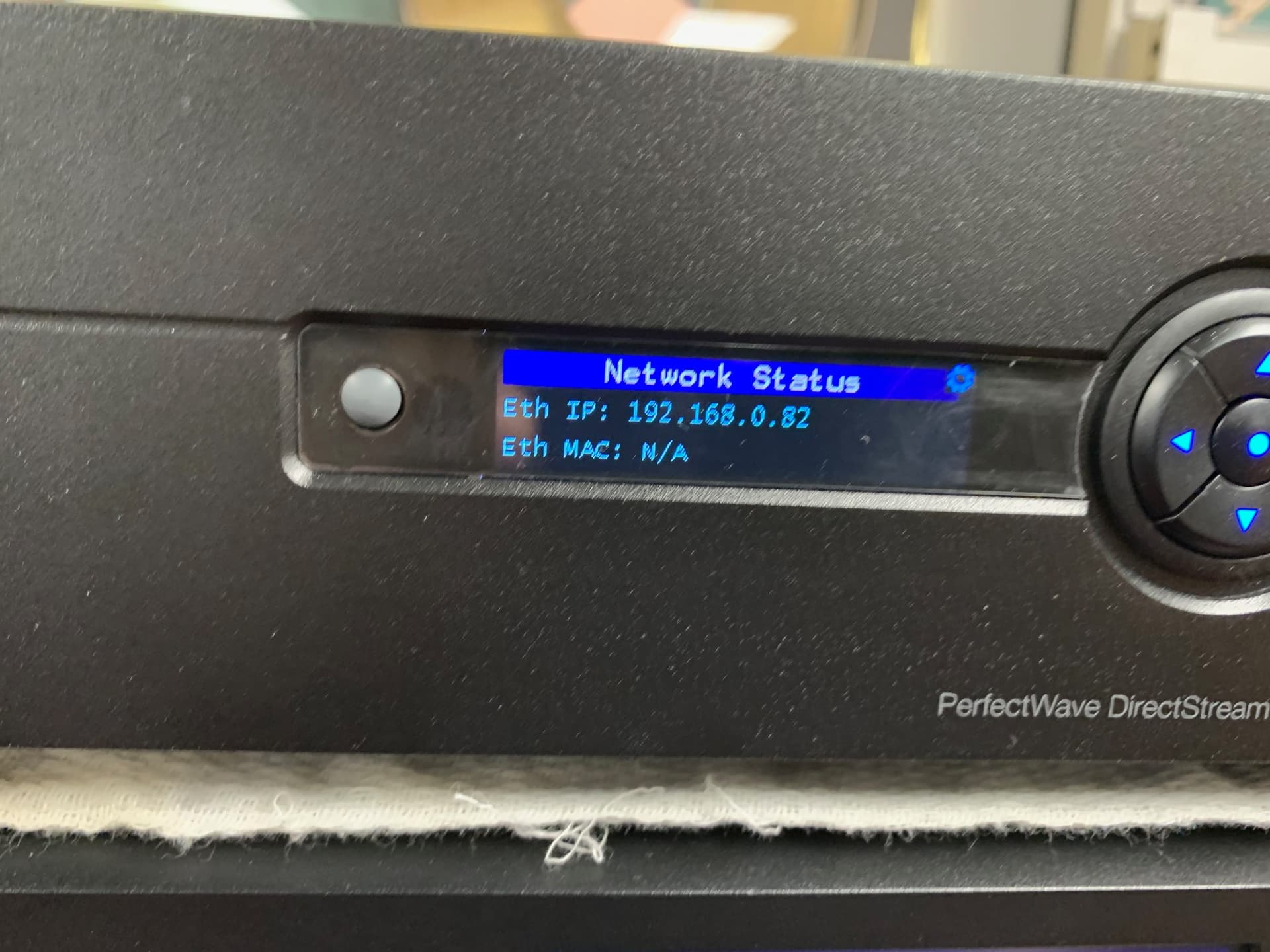
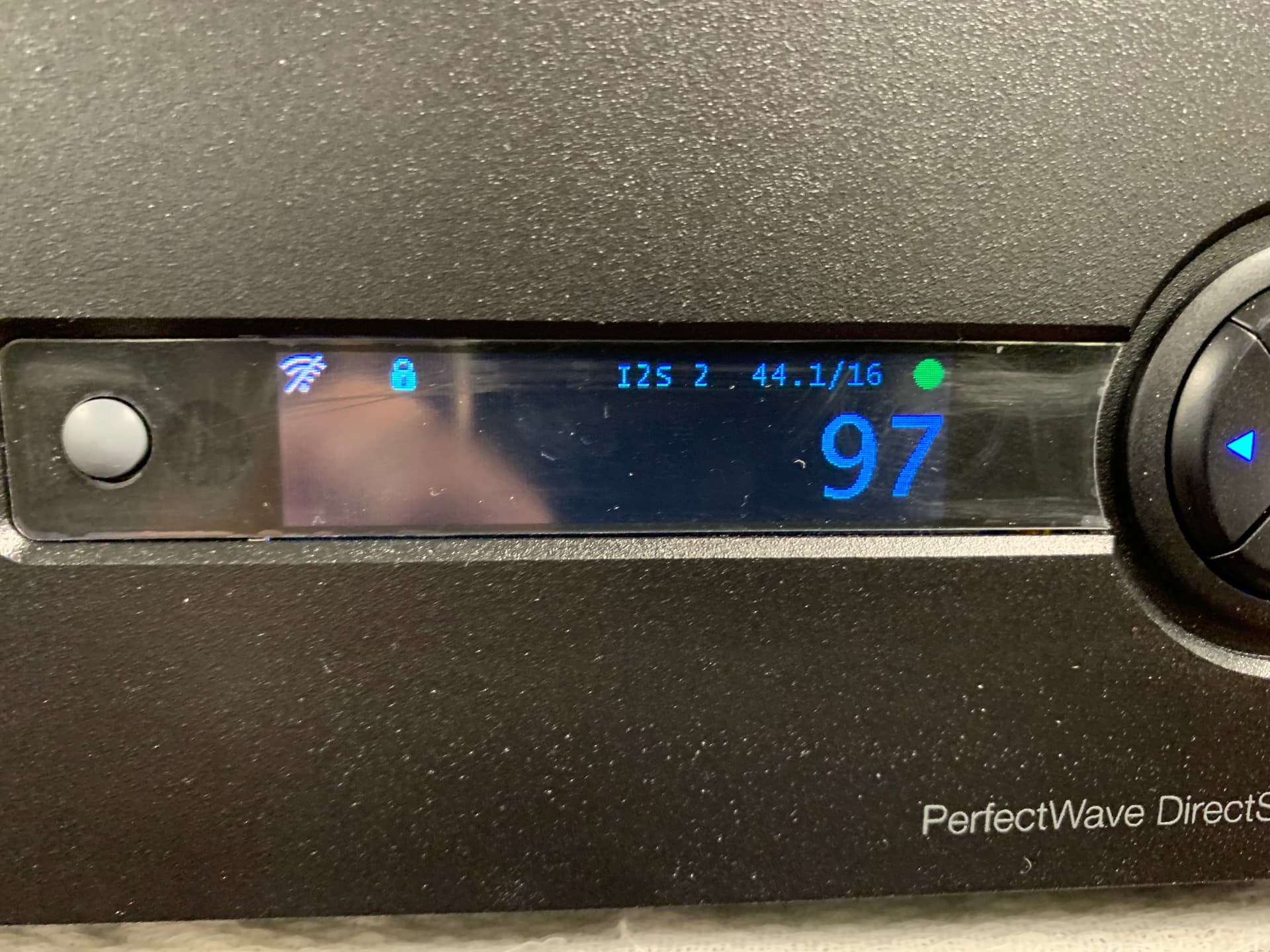
OK… I did some research today with WiFi and Ethernet on the MK2.
It seems that if you plug in an Ethernet cable it will turn on the network feature and leave WiFi disabled. The front UI will show that it has an active network connection in addition to the network LED’s on the RJ45 connector lighting up. This is also verified in the network settings.
This seems perfect for the customers doing network updates. Just plug in your Ethernet cable, Update, unplug Ethernet cable.
I guess I answered my own question.


6 Likes
Thanks for all the info on built in networking. Ethernet only seems (no wifi) can be used if they eventually get a web UI.
I’m traveling home tomorrow after a month away and will finally be able to unpack my MKII and get it running.
The April 10 FW upgrade will be a great birthday present for me!
Sill hoping to get the new transformers when available.
Welcome home tomorrow. I think you will be very happy with your new MK2 and also the upcoming firmware updates.
1 Like